A wedding photo challenge hands every guest a small photo mission and collects the results in one gallery. (New to the idea? Here's what it is.) Setting one up takes an evening, most of it spent choosing prompts. Here's the whole workflow, from an empty list to the morning after.
The whole thing at a glance
- Four to six weeks before: write your prompts and choose cards or one QR code (steps 1–2).
- Two to three weeks before: design and print (step 3). This leaves time for a print shop.
- One week before: scan it yourself and send a test photo (step 4).
- On the day: cards on the tables, one sentence from the MC (step 5).
- The week after: download the gallery and share it with your guests (step 6).
You'll need your phone or a laptop, about an hour, and a printer or a print shop. Before anything else, check one thing: does the venue have mobile signal or guest wifi? Guests need one of the two to send a photo.
Step 1: Choose your prompts
Go to Create, type your names as the event name and add your wedding date. Then build your list under Your prompts: tap any of the ideas offered to add them, or type your own.
- How many: about one prompt for every two guests, and at least eight. The free planner works out a number from your guest and table count.
- Mostly easy, a few hard. The cake before anyone cuts it is a gimme; three generations in one photo takes some finding.
- Some that only you could write. The dog in a bow tie, your grandmother's brooch, the sign you painted yourselves.
- Nothing from the parts that are unplugged. If you'd rather nobody films the vows, leave the ceremony off the list.
Stuck? Take whatever you like from the 55 wedding photo challenge ideas.
Step 2: Cards on the tables, or one QR code
Further down the same page you choose how guests get their prompts:
- Printed cards. Every prompt gets its own card with its own QR code, eight to an A4 sheet. Guests pick up a card and shoot what it says. Choose this if you'd like the prompts to be part of the table decor, or a different prompt in front of every place setting.
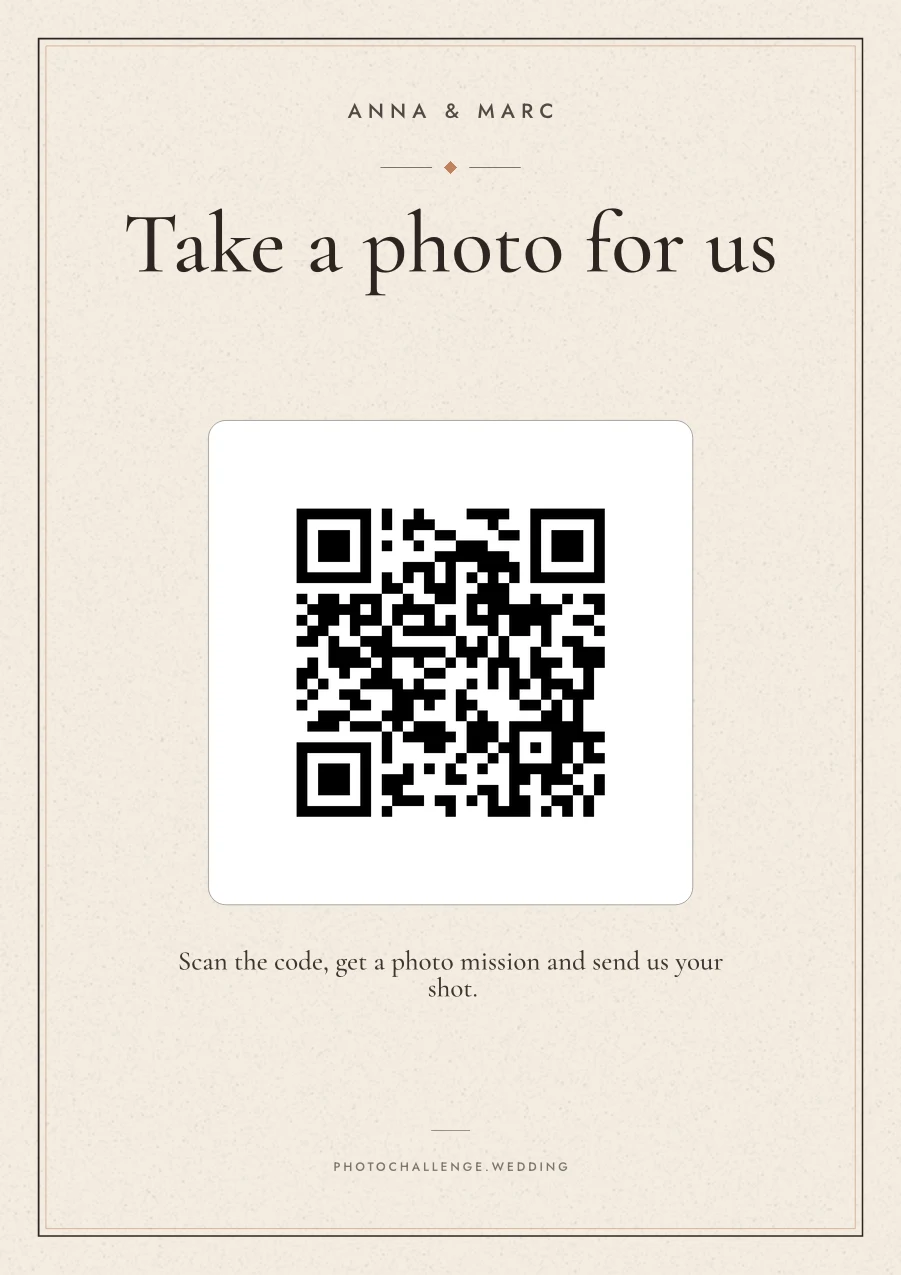
- One single QR code. One sign for the whole room. Each scan hands that guest a prompt they haven't had yet, favouring the ones nobody has photographed, so the whole list gets covered on its own. Choose this for less to print and nothing to go missing.
You can switch later, so don't agonise over it.
Step 3: Design it and print
Tap Next: choose design. For cards, pick one of the colour palettes; for one QR code, the poster designer lets you choose a palette, a typeface pairing, a layout and a paper size, and write your own title and instruction. The preview is rendered from the same template as the PDF, so what you see is what prints. When you finish, you create an account so you can come back to your event.
- Paper: 160–200gsm matte card. Avoid gloss — reflections make QR codes harder to scan.
- Sizes: A4, A5, US Letter, 5×7, square or a 10×15 photo print for the main sign, and a table-card size that puts eight small copies on one A4 sheet.
- Where: a home printer is fine for a test; a print shop on heavy card is worth it for the day. The cards guide has the details.
Already have a stationer or an Etsy template? On a paid plan your event page has Download QR code (PNG), so the code can go into a design you already love.
Step 4: Play a round yourself, a week before
Scan your printed card or sign with your phone's camera. You'll see exactly what a guest sees: your names, a prompt, and buttons to take a photo or choose one from the gallery (with one QR code, there's also a button to swap the prompt). Send a test photo and check it arrives on your event page. You can delete test photos afterwards.
While you're there, look at the settings on your event page:
- Suggest the next prompt (on by default): after each upload, guests are offered another prompt. Turn it off for a scavenger hunt, where handing out the next item would give the game away.
- Ask guests for their name (paid plans): every photo carries a name, handy if you want to crown a winner.
- Secret mode (Premium): guests can't browse the gallery, so the photos are a surprise for you.
- Additional languages (Premium): guests choose their language, for a wedding with two families who don't share one.
Step 5: On the day, put the cards out and say it once
Cards go on the tables next to the menu or the favours; a single sign goes where everyone passes — the bar, the welcome table, beside the seating plan. Then have someone mention it once, early: the MC, the best man, or one line in your welcome speech. “There's a photo challenge on your table. Scan the code, take the photo it asks for, and it comes straight to us.” That one sentence does more than any sign.
A few things people forget:
- Print the wifi name and password on the sign if the venue's signal is weak.
- Print one or two spare cards; a card always walks off as a souvenir.
- If the ceremony is unplugged, put the signs out after it.
Step 6: After the wedding, download and share
Open your gallery and every photo is there, labelled with the prompt it answers. Download all (ZIP) saves the whole gallery at full resolution. Photos stay online for 6 months on Standard and 12 on Premium, so download your copy early, then send the gallery link to your guests so they can see what everyone else shot.
Frequently asked questions
How long does it take to set up a wedding photo challenge?
About an hour, most of it choosing prompts. Adding them, picking a design and downloading the PDF takes a few minutes; leave a couple of weeks if you're using a print shop.
How many photo prompts do we need?
About one for every two guests, with at least eight. A 60-guest wedding works well with around 30. The free planner suggests a number from your guest and table count.
Should we use printed cards or one QR code?
Cards suit a table-by-table game and look like part of the decor. One QR code is less to print and nothing to lose: every scan hands out a new prompt. You can switch between them later.
Do guests need an app or an account?
No. The QR code opens a page in the phone's own browser, where guests take or choose a photo and send it. Only the couple makes an account.
What if the venue has bad signal?
Guests need mobile data or wifi to send a photo. Print the wifi details on the sign, or check the signal on a site visit. If there's neither, a photo challenge won't work there and a printed list with disposable cameras is the better choice.
Can we try it before paying?
Yes. The test run is free for up to 5 prompts with one photo each, enough to print a card or sign and test the whole flow. Standard is €79, paid once, for a full list and unlimited photos per prompt.
Set up your photo challenge
Add your prompts, choose cards or one QR code and print. The test run is free for up to 5 prompts, so you can try every step before the wedding.
Create my photo challenge